

If you’re searching for a beginner-friendly way to earn online, learning how to start affiliate marketing for beginners is one of the smartest decisions you can make. Affiliate marketing allows you to promote other companies’ products and earn a commission for every sale made through your referral link.
You don’t need your own product, warehouse, or customer support team. You simply recommend products and earn when someone buys through your link.
In this complete guide, you’ll learn exactly how to start affiliate marketing for beginners — plus a real example of starting with Amazon and Pinterest.
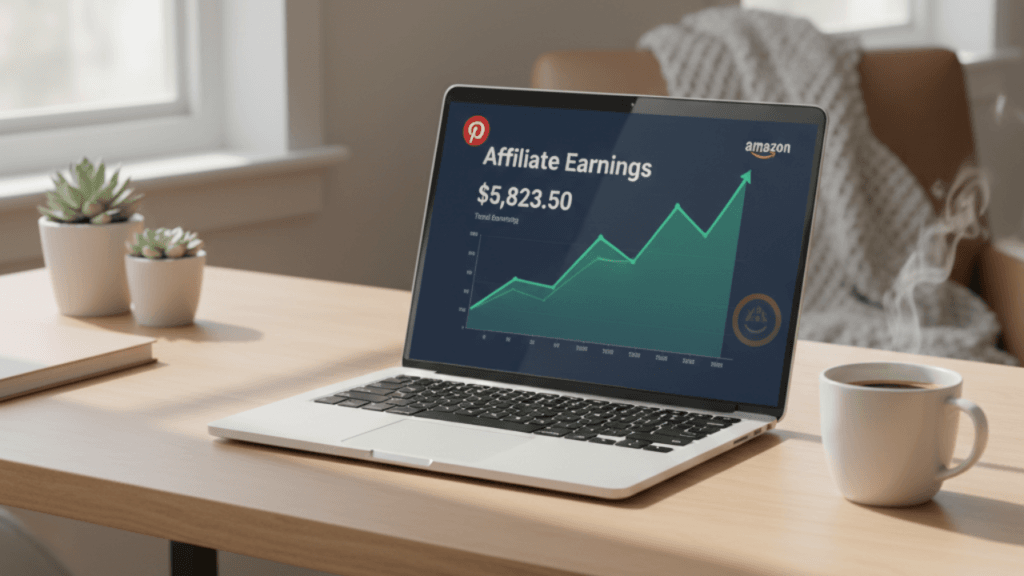
What Is Affiliate Marketing?
Affiliate marketing is a performance-based business model where:
- A company (merchant) sells a product
- You (affiliate) promote it
- You earn a commission when someone buys through your link
For example, through Amazon Associates, beginners can promote millions of products and earn commissions on each sale.
Why Affiliate Marketing Is Perfect for Beginners
Before diving deeper into how to start affiliate marketing for beginners, here’s why this model works well:
Low Startup Cost
You can start with:
- A Pinterest account
- A free Canva design
- Or a simple blog
No Product Creation
You don’t need inventory or customer service.
Flexible & Scalable
You can grow slowly and build long-term passive income.
Step-by-Step: How to Start Affiliate Marketing for Beginners
Step 1: Choose a Niche
A niche is the topic you focus on.
Good beginner niches include:
- Home & kitchen
- Fitness
- Beauty
- Baby products
- Tech gadgets
Example: Let’s say you choose Home Organization.
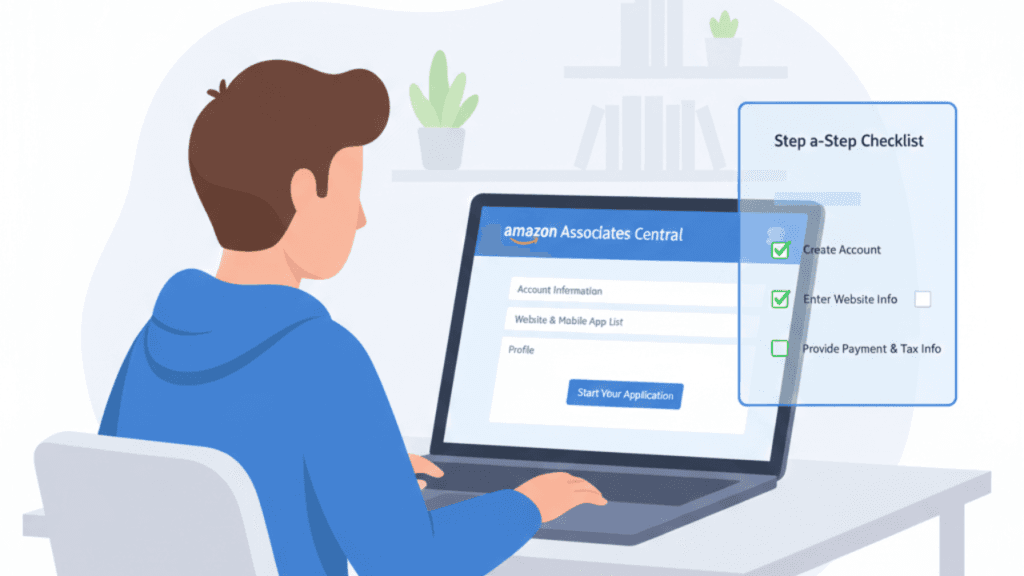
Step 2: Sign Up for Amazon Associates
Here’s how to start with Amazon step by step:
1. Go to Amazon Associates
Visit the official Amazon Associates website.
2. Click “Sign Up”
Use your existing Amazon account or create a new one.
3. Enter Website or Social Media
Amazon allows:
- Websites
- Blogs
- YouTube
- Pinterest (in some regions)
If you don’t have a website yet, you can use Pinterest or create a simple blog.
4. Add Store ID
Create your affiliate tracking ID (example: homeideas-20).
5. Explain How You Drive Traffic
Example answer:
“I create Pinterest content about home organization and link to helpful product recommendations.”
6. Wait for Approval
You must make at least 3 sales within 180 days to stay approved.
Step 3: Create a Pinterest Business Account
Pinterest works very well for beginners.
How to Set Up Pinterest for Affiliate Marketing
- Create a Pinterest Business Account
- Choose your niche (example: Home Organization Ideas)
- Create 5–10 niche boards like:
- Small Kitchen Storage
- Closet Organization
- Minimalist Home Ideas
Optimize your profile description with keywords.
Example:
“Helping you find the best home organization products & smart storage ideas.”
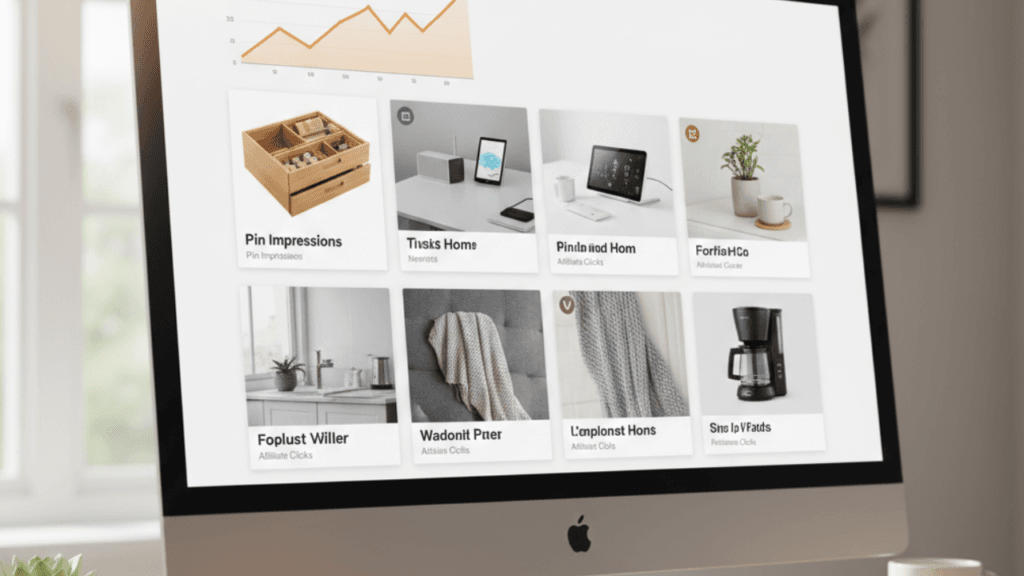
Step 4: Create Affiliate Pins (Amazon + Pinterest Example)
Now let’s combine Amazon with Pinterest.
Example Product
Let’s say you find:
- A kitchen drawer organizer
- A closet storage box
- A space-saving shelf
From Amazon, copy your affiliate link.
Create a Pinterest Pin Using Canva
Design a vertical image (1000×1500 px).
Example pin text:
“10 Genius Kitchen Organization Finds Under $25”
In the pin description, write:
“Looking for affordable kitchen storage ideas? These smart Amazon finds will help you organize your kitchen fast. Perfect for small spaces!”
Add your affiliate link in the destination URL (if allowed in your region) or link to your blog post.
Important: Amazon + Pinterest Rules
Always check Amazon’s affiliate policy.
In many cases:
- It’s safer to link Amazon products from your blog
- Pinterest traffic should go to your website
- Avoid link shorteners
Add disclosure:
“This post contains affiliate links. I may earn a commission at no extra cost to you.”
Transparency builds trust and keeps you compliant.
Step 5: Create a Simple Blog (Recommended for Long-Term Success)
While Pinterest can work alone, having a blog is better long-term.
Here’s why:
- You control your traffic
- You rank on Google
- Amazon prefers website traffic
- Higher trust and conversions
Example blog post:
“Best Kitchen Organization Products for Small Apartments”
Inside the article:
- Add product images (following Amazon rules)
- Add affiliate links
- Write honest reviews
This is one of the most effective strategies in how to start affiliate marketing for beginners.
Step 6: Post Consistently on Pinterest
Pinterest rewards consistency.
Beginner strategy:
- Post 3–5 pins daily
- Create fresh designs
- Use keywords in titles and descriptions
- Join group boards (optional)
Traffic may take 1–3 months to grow.
Step 7: Track Your Results
Inside Amazon Associates dashboard, you can see:
- Clicks
- Ordered items
- Conversion rate
- Commission earned
Improve by:
- Testing new product types
- Writing better descriptions
- Creating more attractive pin designs
Example Beginner Plan (Simple 30-Day Strategy)
Week 1:
- Choose niche
- Sign up for Amazon
- Create Pinterest business account
Week 2:
- Create 10 Pinterest boards
- Write 1 blog post (optional but recommended)
Week 3:
- Create 20–30 Pinterest pins
- Link to blog or affiliate product
Week 4:
- Analyze clicks
- Create more content based on top-performing pins
This is a practical way to implement how to start affiliate marketing for beginners without feeling overwhelmed.
Common Mistakes to Avoid
- Spamming affiliate links
- Not reading Amazon policies
- Promoting random products
- Giving up too early
- Ignoring SEO
Affiliate marketing requires patience and consistency.
Frequently Asked Questions (FAQ)
1. Can I promote Amazon affiliate links directly on Pinterest?
In some regions, yes. However, it is generally safer to send Pinterest traffic to your blog first. Always follow Amazon Associates guidelines.
2. How much can beginners earn with Amazon affiliate marketing?
Earnings depend on traffic and niche. Some beginners earn their first commission within weeks, while others take a few months.
3. Do I need a website to start Amazon affiliate marketing?
You can start with Pinterest, but having a website increases approval chances and long-term success.
4. Is Pinterest good for affiliate marketing beginners?
Yes. Pinterest acts like a visual search engine and can drive free traffic consistently if used correctly.
5. How long does it take to see results?
Most beginners see traffic growth within 1–3 months if posting consistently.
Final Thoughts
Learning how to start affiliate marketing for beginners becomes much easier when you follow a clear system. Starting with Amazon and Pinterest is a beginner-friendly approach because:
- Amazon has millions of products
- Pinterest provides free traffic
- You don’t need advanced technical skills
Stay consistent, focus on value, and think long-term. With patience and smart strategy, affiliate marketing can grow into a powerful online income stream.

Muse is the founder of MusabGuide, covering online business, digital marketing, and AI tools. He creates practical guides and honest reviews to help beginners and entrepreneurs make informed decisions online.
1 thought on “How to Start Affiliate Marketing for Beginners (Step-by-Step Guide + Amazon & Pinterest Example)”